
Image Resizer
A downloadable tool for Windows
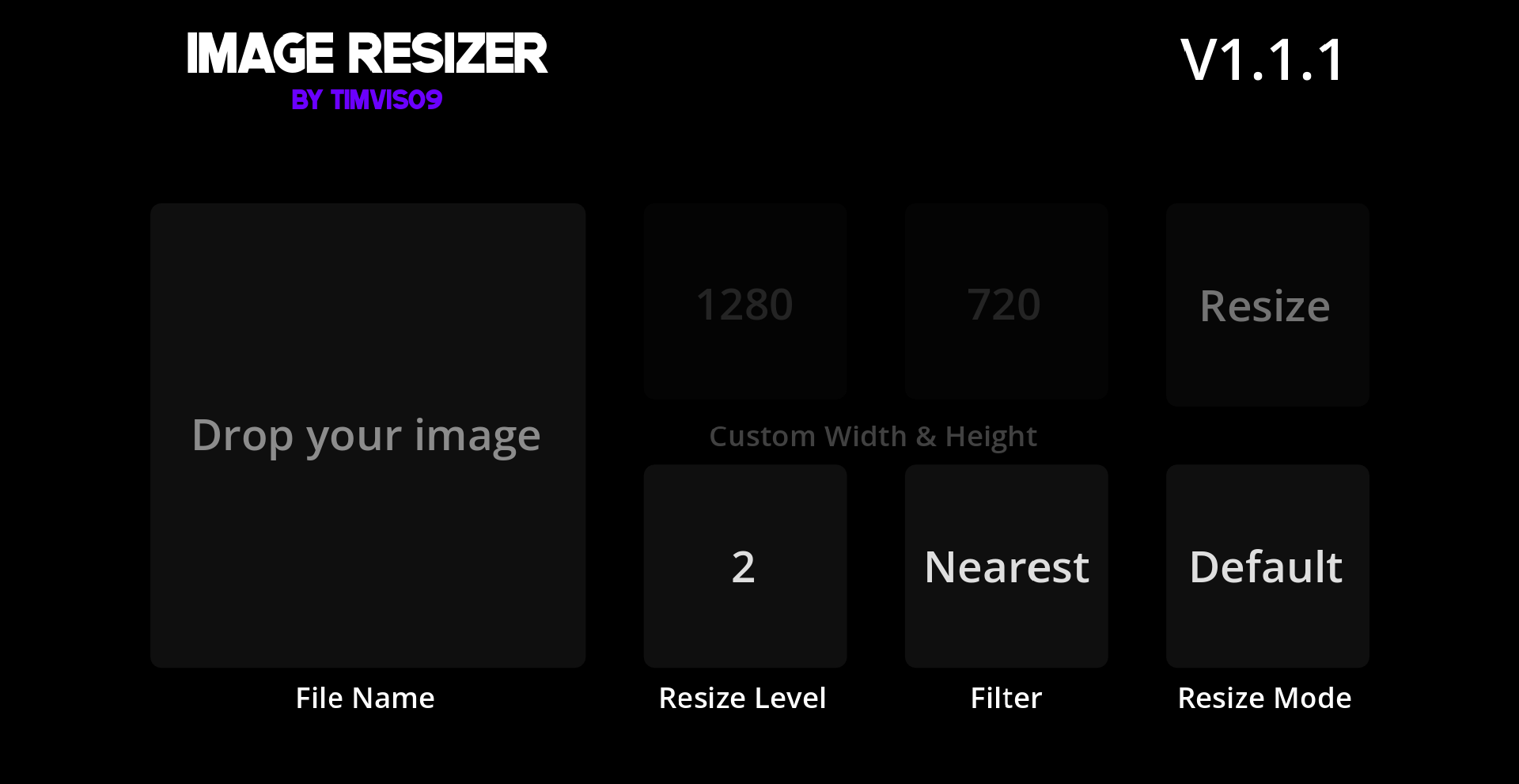
I originally made it for myself, but I decided to share it here, maybe someone will find it useful. It's a simple tool to change the size of your image, make it smaller or bigger with just a few clicks (well, and typing, depending on how you wanna resize your image).
Modes
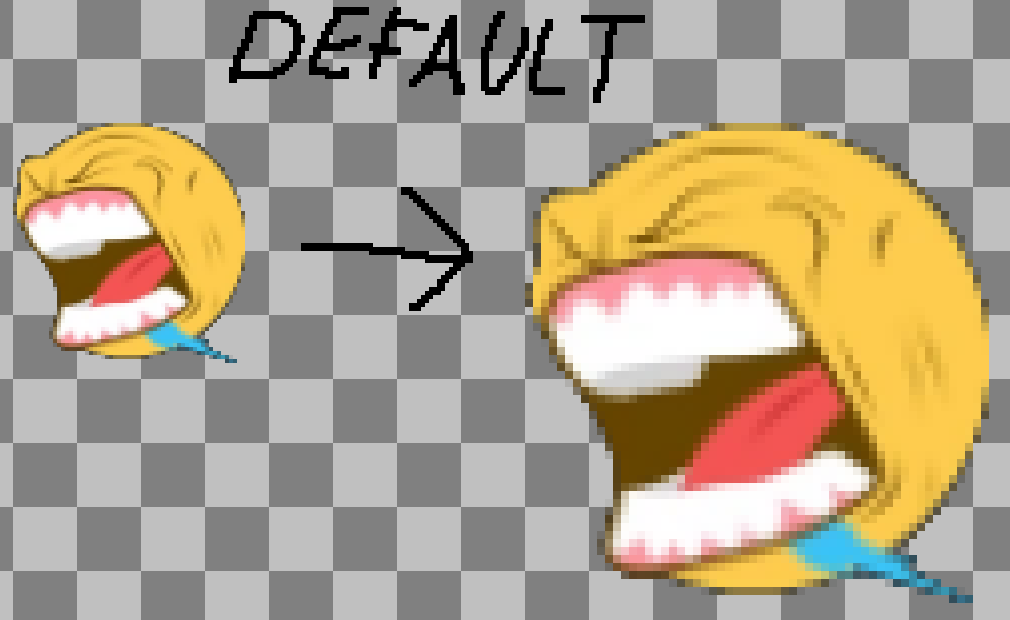
Default - Scaling up the image.
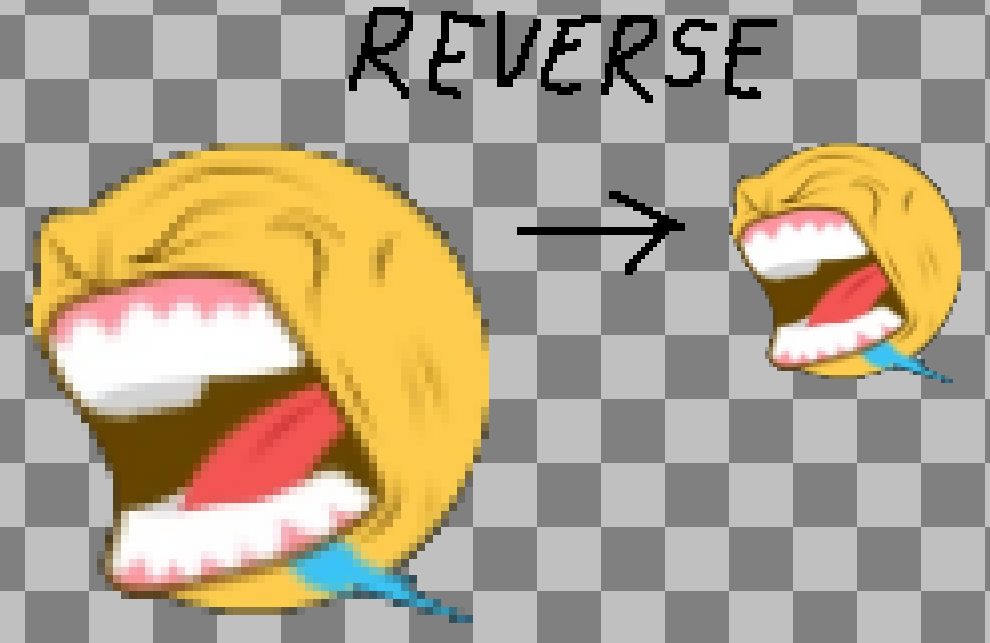
Reverse - Scaling down the image.
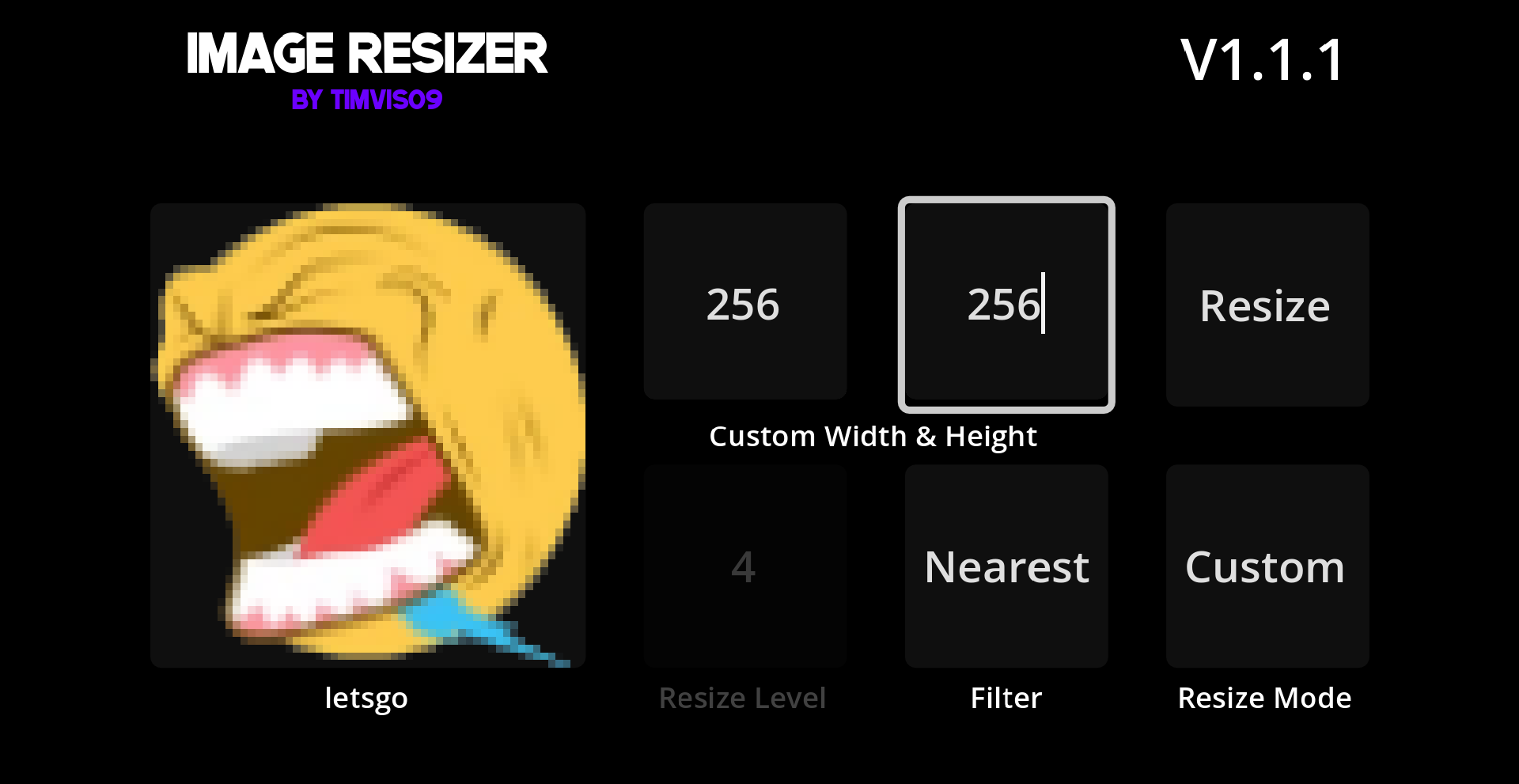
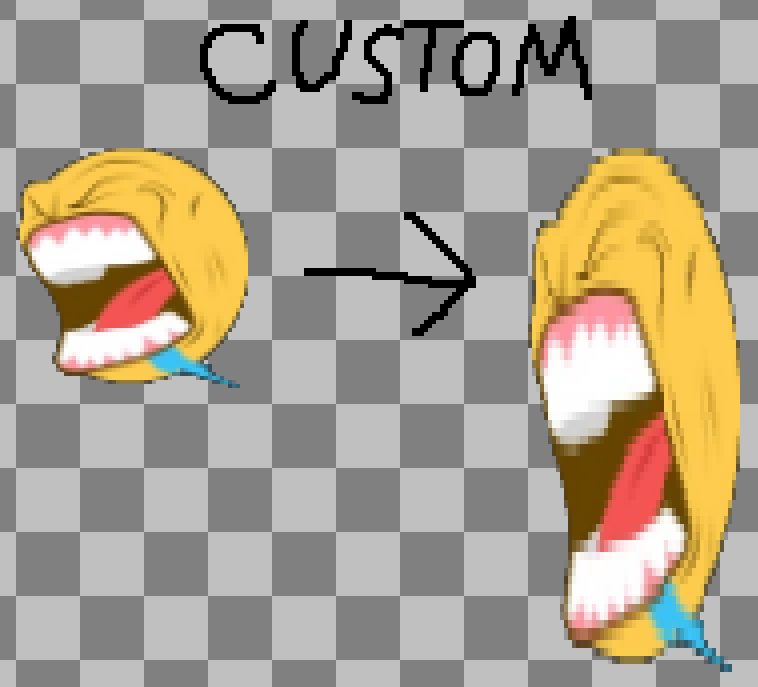
Custom - Set a custom width and height for your image.
Filter
Nearest - Makes your image pixel-perfect.
Linear - Makes your image blurry.
Resize Level is how many times you wanna upscale / downscale your image. For example, upscale 2 times, 4 times, 5 times, etc... The maximum is 10.
Only supports .PNG and .JPG / .JPEG files.
Download
Install instructions
Extract files from ZIP folder. After opening the program, drag and drop your image file. Now you can resize it.
Leave a comment
Log in with itch.io to leave a comment.